Filter by position
Google Search Console lets you filter by query, page, country and device, but never by average position. That is a problem when you want to find the pages sitting just below the top of the results, where a small push can win real clicks. So we added a position filter to BasecampSEO.
Connect your Google account in 7 seconds and start identifying more insights from your Search Console data.
Open the filters on any property, pick Position, and set a range. Try 3 to 15 to pull up the pages that already rank but have room to climb. The whole dashboard then reflects just those pages: the clicks, impressions, CTR and average position at the top, the trend over time, and the queries sending them traffic.
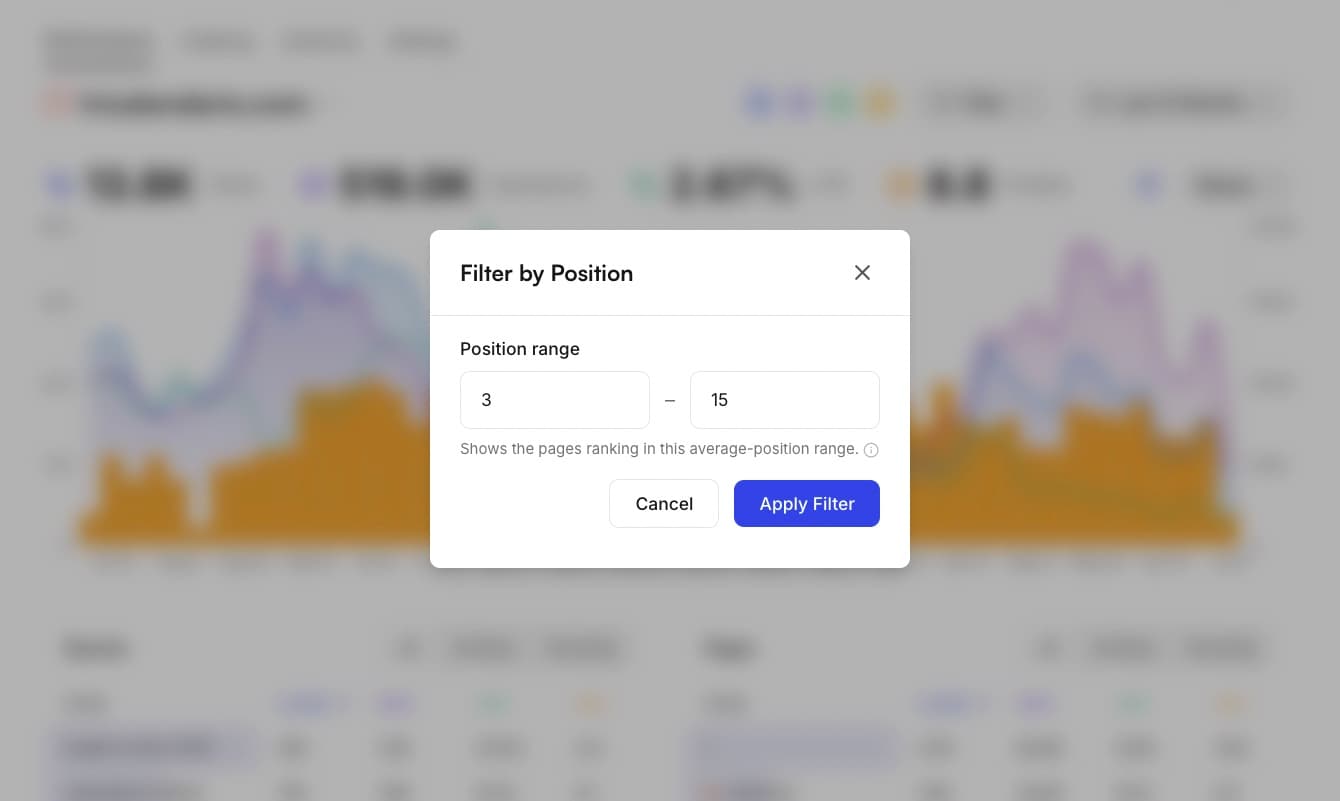
A few ranges worth trying:
- 1 to 3your top spots, where you already win most clicks
- 4 to 10the rest of page one, good for quick wins
- 11 to 20page two, usually your best pages to improve next
It is the quickest way to build a shortlist for content refreshes or internal links. Sort by impressions to find demand you are not capturing yet, or by clicks to protect the pages already working.
You can also combine it with your other filters, like country, device or a date range, to narrow the list down further. And once you have the view you want, you can share it with your team with a link or bring them into your workspace.
The filter is live now. Sign up to run it against your own Search Console data.
Try it on your own data
Connect Google Search Console and get keyword tracking, page groups and filters like this one. Free for 7 days.